
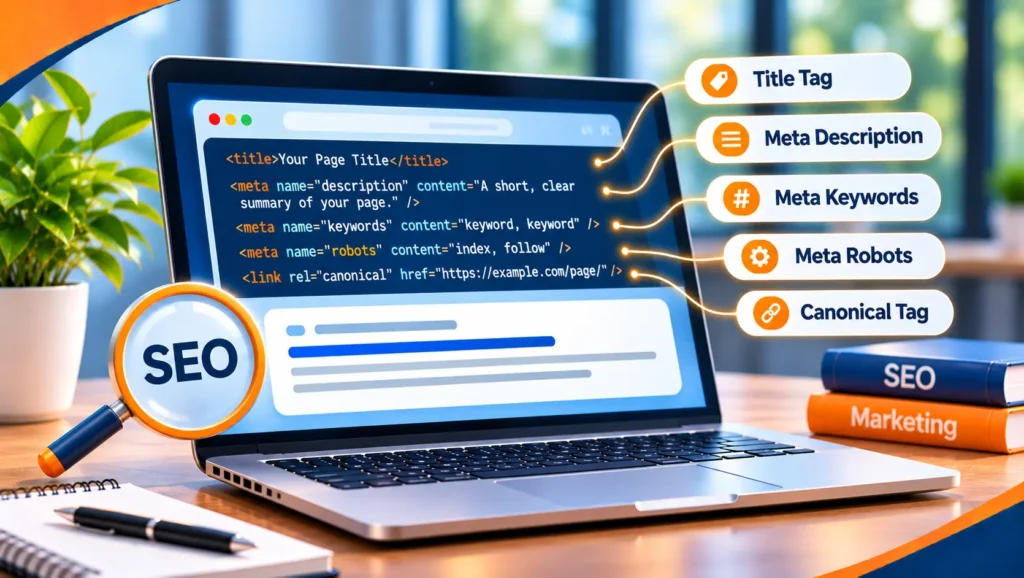
Metadata is data about a web page, not the content people read on it. In SEO it means the titles, descriptions, tags and labels that tell search engines and browsers what a page is, how to treat it and how to show it. Metadata SEO is the work of getting those details right.
This guide explains which metadata Google actually uses, how to write titles and descriptions, what to do about robots and image tags, and which old habits to drop. It uses Google’s own documentation and does not quote benchmarks or length limits, because Google does not publish fixed ones.
Give every page a clear, unique title and a page-specific description, set robots and canonical tags deliberately, describe images with useful alt text and ignore meta keywords. Google’s page on supported meta tags says the meta keywords tag has no effect on indexing and ranking at all. Write metadata for the person who will read it in search results, and treat it as one part of a page that must also be useful.
Table of contents
What metadata is
Visitors see your headings and text. Search engines also read information that visitors do not see on the page itself. Some of it shapes how your result looks in search, some tells crawlers what to do and some describes the page for other systems.
| Metadata | What it does | Does Google use it? |
|---|---|---|
| Title element | Names the page | Yes, as a main source for the title link in results |
| Meta description | Summarizes the page | Sometimes, when it describes the page better than the text |
| Robots tags | Control crawling and indexing | Yes |
| Canonical link | Names the preferred address | Yes, as a strong signal |
| Viewport | Sets mobile display | Yes, it signals a mobile friendly page |
| Image alt text | Describes an image | Yes |
| Structured data | Describes the content in a standard form | Yes, for features it supports |
| Meta keywords | Lists keywords | No |
Titles
The title element is the single most important piece of metadata for most pages. Google’s guidance on title links calls the title link the primary piece of information people use to decide which result to click.
- Describe the page. Say what it is about, clearly and briefly. Vague labels like “Home” are discouraged.
- Make each one different. Identical or near identical titles across pages make them hard to tell apart.
- Do not stuff keywords. Repeating the same words adds nothing and can look spammy.
- Add the brand briefly. Put your site name at the start or the end, separated by a hyphen, colon or pipe.
- Match the main heading. Google builds title links from several sources, including headings, so a clear page heading helps.
Google may rewrite a title when it finds it half empty, inaccurate or duplicated, and it cannot change titles manually for individual sites. Following the practices above is the way to influence the result, and changes can take days to weeks to show after a recrawl.
Descriptions
Google’s page on snippets explains that it creates snippets automatically from page content, and uses the meta description only when it describes the page better than the text. A good description still helps, because it is often what a searcher reads.
- Write one for each page. Use a site-level description on your home page and page-level descriptions elsewhere.
- Summarize the whole page. Say what the page offers, not just one detail.
- Add useful facts. Prices, dates or other key details can help a searcher decide.
- Avoid lists of keywords. They do not tell people what the page is about.
- Do not worry about a set length. Google says snippets are truncated as needed, typically to fit the device width.
Robots, canonical and language tags
These tags give instructions, so mistakes cost visibility.
- Robots. The robots tag applies to all search engines and the googlebot tag to Google only. When they conflict, the more restrictive rule applies. A stray noindex can remove a page from search, so check key pages after any site change.
- Canonical. It names the preferred address for duplicate pages. Our guide to canonicalization explains how to use it.
- Language and region. Hreflang tells Google which version suits which audience. Google ignores the HTML lang attribute and works out language from the visible text. Our guide to global SEO covers it.
- Viewport. It sets how the page displays on a phone. Its presence signals a mobile friendly page.
Image metadata
Google’s image guidance calls alt text the most important attribute for adding metadata to an image. Write information-rich text that fits the page, such as “Dalmatian puppy playing fetch”, and do not fill it with keywords. Short, descriptive file names, such as “my-new-black-kitten.jpg” instead of “IMG00023.JPG”, give light clues about the subject.
Social and structured data
Two more kinds of metadata sit alongside the basics.
- Social tags. Tags such as Open Graph control the title, description and image shown when someone shares your page on a social platform. They shape link previews and are not a ranking tool, though Google may read them as one source for a title.
- Structured data. It describes the content in a standard form, such as a business, a product or an article, so search engines can show extra details.
What about meta keywords?
Many people still ask about the meta keywords tag. Google’s documentation says plainly that Google Search does not use it and that it has no effect on indexing or ranking. Spend that time on the title, the description and the page itself. Our guide to SEO keywords explains where keywords do matter.
A worked example
This is a made up example, used to show the method. It is not a client result, and the numbers are not real.
Imagine a small shop whose product pages all have the title “Products | Example Shop” and no descriptions.
| Item | Before (example) | After (example) |
|---|---|---|
| Title | “Products | Example Shop” on every page | “Red leather walking boots | Example Shop” |
| Description | None | A short summary of the boots, the sizes and the delivery details |
| Image alt text | “image1” | “Red leather walking boots on a rocky path” |
| Robots | A noindex left from the test site | Removed, and checked in Search Console |
None of this is clever. It makes each page clear to people and to search engines.
Common mistakes
- The same title on every page. Search engines and people cannot tell the pages apart.
- Keyword lists. They add nothing and can look spammy.
- A leftover noindex. Test settings can survive a launch.
- Empty alt text on useful images. You lose the chance to describe them.
- Metadata that does not match the page. A title that promises something the page does not deliver sends people away.
Metadata SEO FAQ
What is metadata SEO?
It is the work of setting titles, descriptions, tags and image labels so search engines and searchers can understand and choose your pages.
What are the four types of SEO?
There is no official list. A common grouping is on page SEO (what is on your pages), off page SEO (links and mentions from other sites), technical SEO (how well search engines can crawl and load your site) and local SEO (visibility for nearby searches). Metadata sits mainly in on page and technical SEO.
What are some good meta tags for SEO?
The ones that matter most are the title, a page-specific meta description, robots tags used deliberately, the canonical link, the viewport tag and descriptive image alt text. Meta keywords are not used by Google.
Is SEO dead or evolving in 2026?
It is evolving. People still search, and Google says the best practices for SEO remain relevant for its AI features. Clear titles and accurate metadata still help people and search engines understand your pages.
Where to start
Search for your own business name and your main pages, and read the results as a stranger would. Note which titles are vague or repeated, which have no description and which images have no alt text. Fix your ten most important pages first. That is a solid first month.
If you want a second opinion, Torplix offers a free audit of your site, with a written list of fixes in priority order. It is yours to keep whether or not you work with us, and we do not promise rankings. See our on page SEO service and our guide to SEO for how we work.